Features Pricing FAQ Buy now

A Notion system for Developers, general contractors and project managers

Construction & Flip OS: Cost control for every build.

Control construction projects with a bill of quantities, change orders, permits, site diary and live margin, so you see budget used and projected profit while the build is still running.

One-time payment · Digital delivery · Works on the free Notion plan
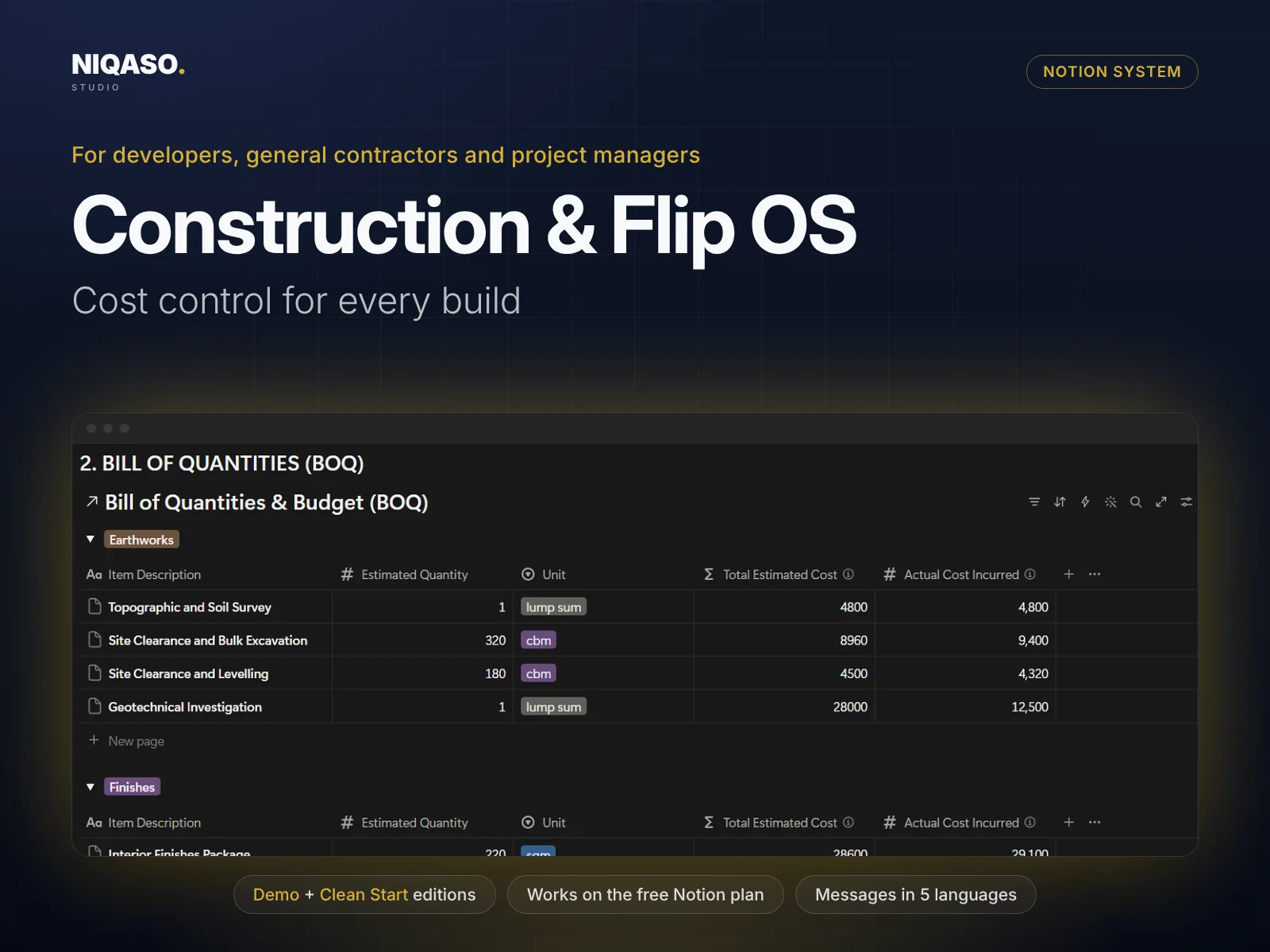
Construction & Flip OS: Notion system overview with dashboard preview

Tap or click an image to enlarge it.
Three parts, working together.

Construction margin disappears in change orders nobody priced, quantities that grew and permits that arrived late. Construction & Flip OS records every quantity, every change and every site day in one place, and shows the final projected cost and margin as they move.

Projects Quantities and cost Change orders Permits
I

Your Dashboard

See everything in one place

Projects, quantities and cost, change orders, permits, site diary, subcontractors all feed one dashboard. Enter a record once and it appears everywhere it belongs, with the totals and alerts calculated for you.

  • Bill of quantities with estimated and actual cost per item
  • Approved change orders add to the final projected cost automatically
  • Budget used and profit margin for every project at a glance
II

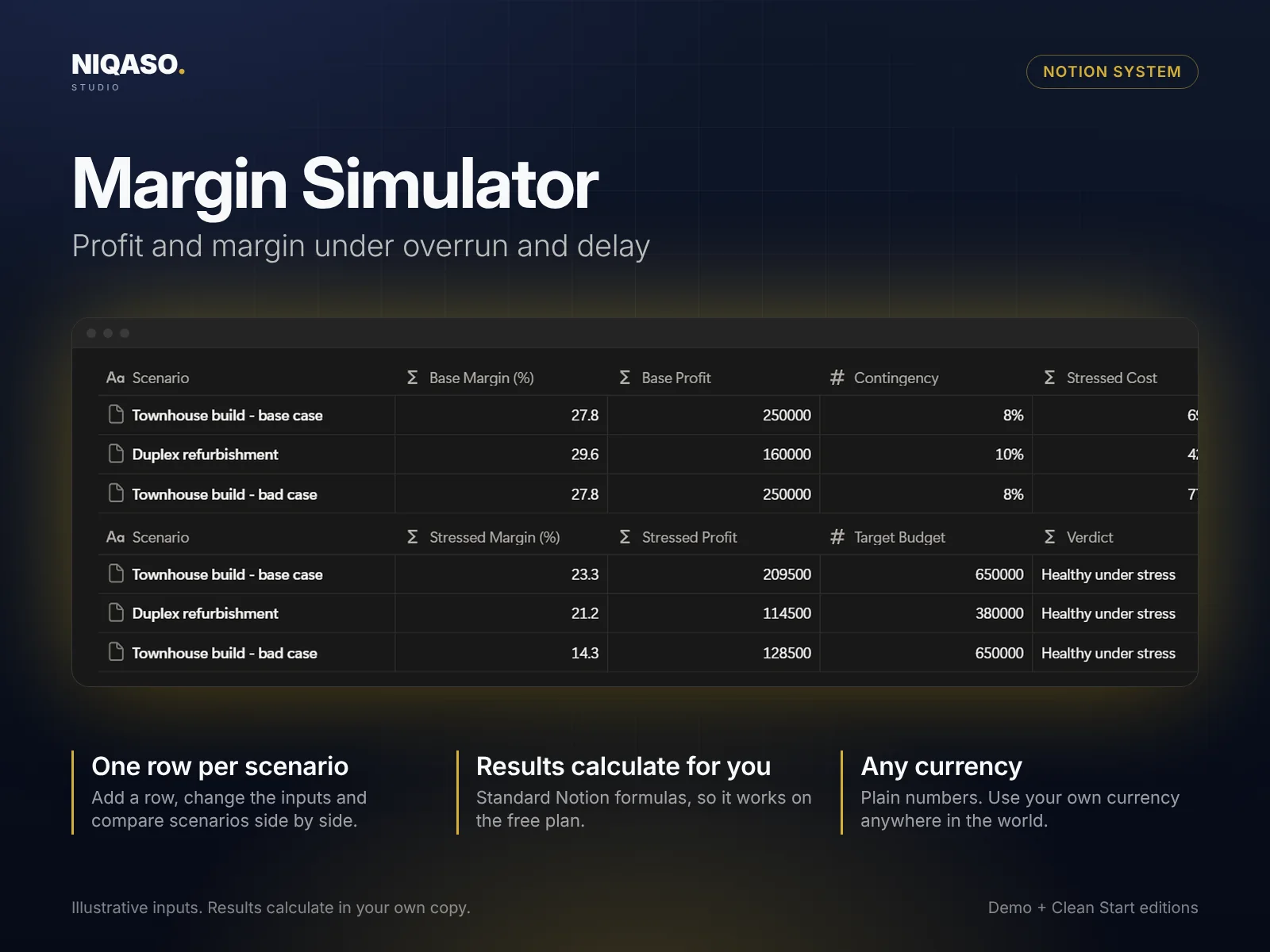
Margin Simulator

Profit and margin under overrun and delay

Test a decision before you make it. Fill in the inputs in one row and the result calculates beside them. Add one row per scenario and compare them side by side. It is built with standard Notion formulas, so it works on the free plan.

  • Site diary, permits and subcontractors linked to each project
  • One row per scenario, compared side by side
  • Plain numbers, any currency
Margin Simulator with example scenarios

Illustrative inputs. Results calculate in your own copy.

III

Playbook & Messages

Know the next step, say it in five languages

Nine step-by-step guides with checklists (project setup, bill of quantities, procurement, change orders and more) tell you what to do next. A message library gives you ready-to-send texts in English, German, French, Spanish and Italian. Copy, replace the bracketed fields, send.

  • Nine playbook guides with checklists
  • Message library in five languages
  • Start Here page with setup, FAQ and changelog
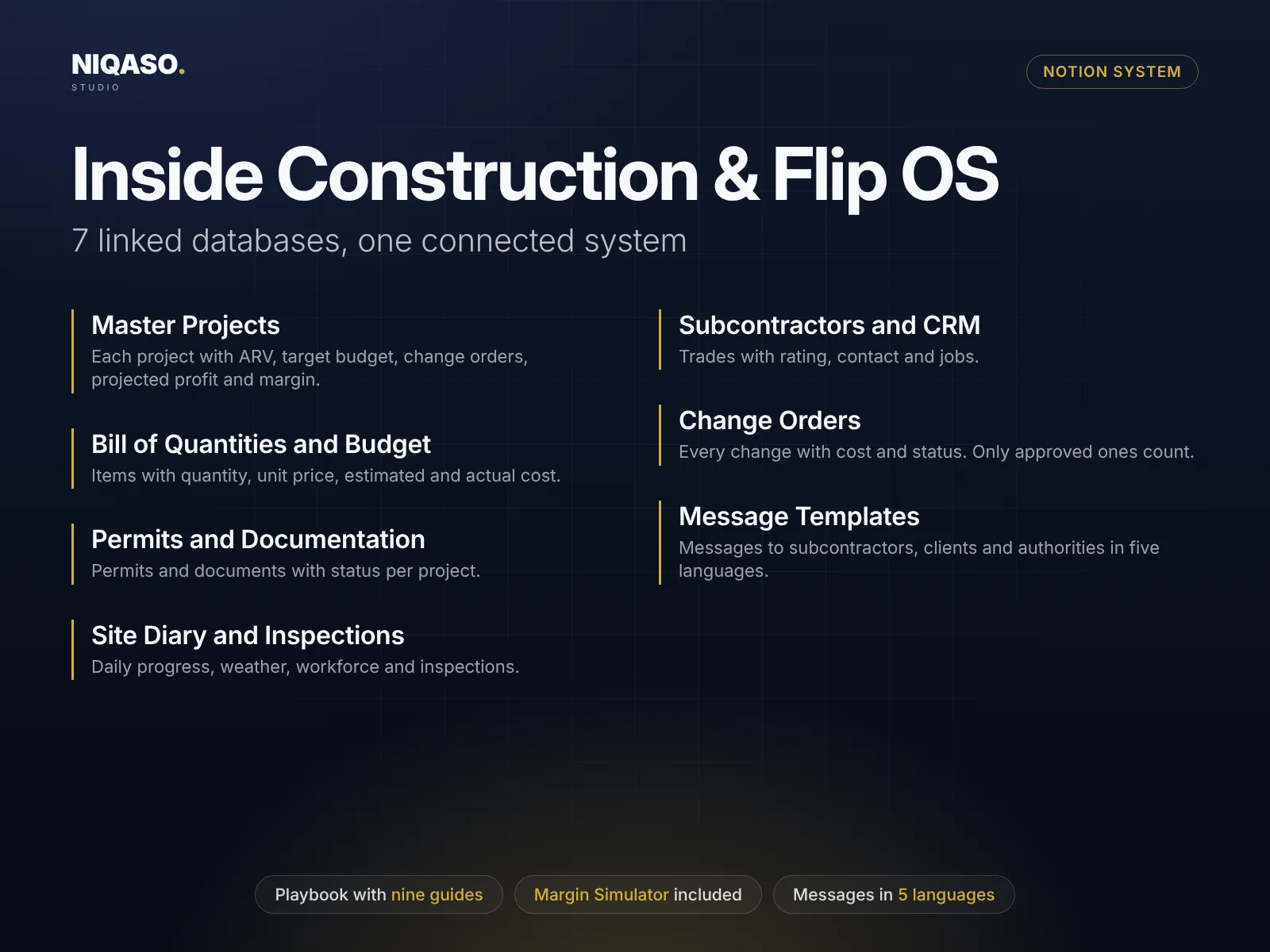
Construction & Flip OS: the linked databases inside the system
Read the list of 7 linked databases
  • Master Projects

    Each project with ARV, target budget, change orders, projected profit and margin.

  • Bill of Quantities and Budget

    Items with quantity, unit price, estimated and actual cost.

  • Permits and Documentation

    Permits and documents with status per project.

  • Site Diary and Inspections

    Daily progress, weather, workforce and inspections.

  • Subcontractors and CRM

    Trades with rating, contact and jobs.

  • Change Orders

    Every change with cost and status. Only approved ones count.

  • Message Templates

    Messages to subcontractors, clients and authorities in five languages.

In practice

Running a build

  1. Create the project and its design stages: concept, schematic, construction documents.
  2. Enter quantities and unit prices in the bill of quantities. Estimated cost adds up.
  3. A client asks for a change. Log it as a change order. When it is approved, the projected cost updates.
  4. Record each site day: progress, weather, workforce.
  5. Use the guides for procurement, progress payments and handover.

Simple pricing. Both editions included.

One payment, no subscription. Everything above, in the Notion workspace you already use.

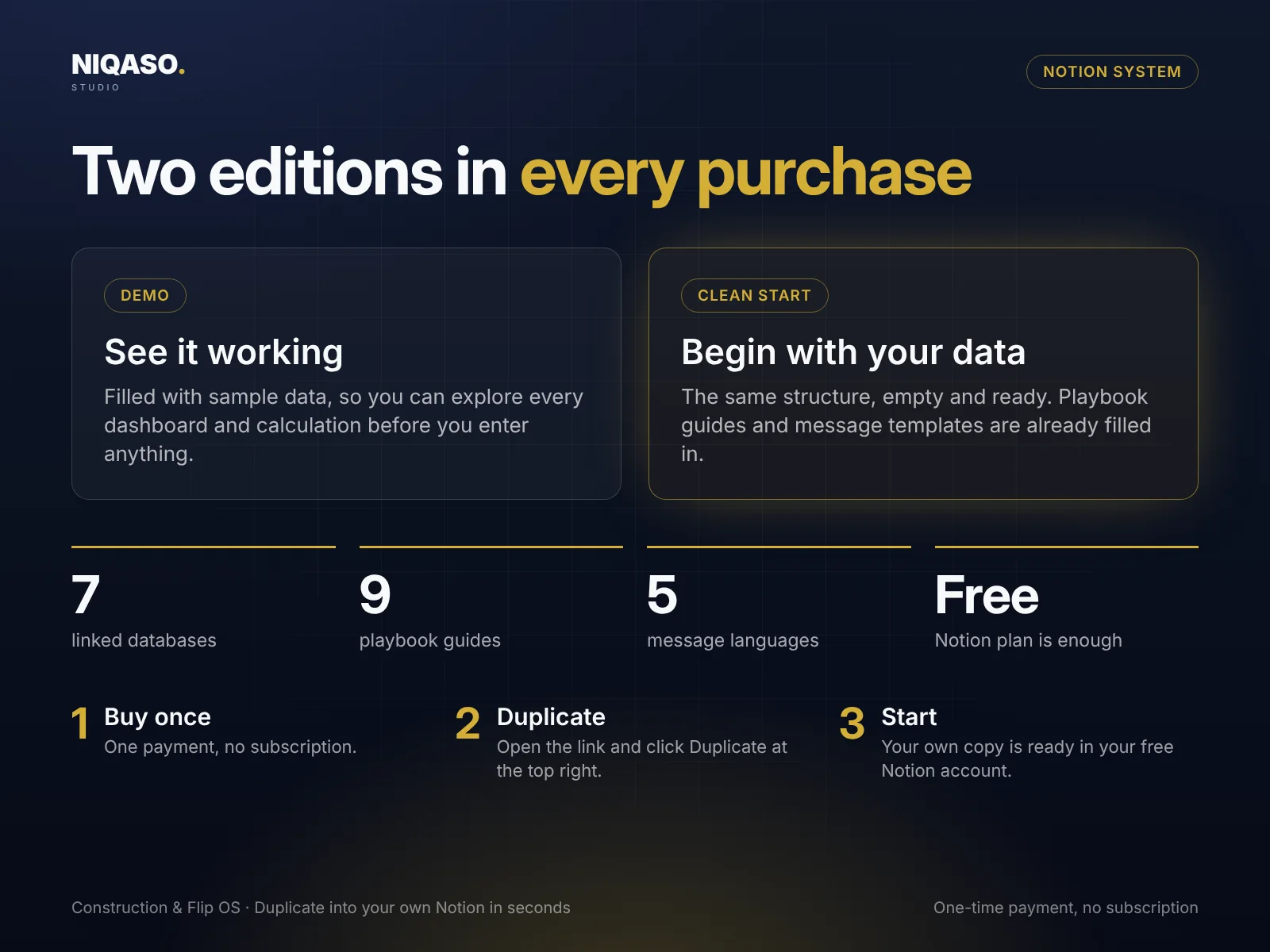
Construction & Flip OS: Demo and Clean Start editions, how to start in three steps
Construction & Flip OS Demo + Clean Start
$49 launch price, one-time payment
  • Two editions: Demo with sample data and an empty Clean Start
  • 7 linked databases, wired together with formulas and rollups
  • Margin Simulator included
  • Playbook with nine guides and checklists
  • Message library in English, German, French, Spanish and Italian
  • Start Here page with FAQ, changelog and license
  • Runs on the free Notion plan, no automations or add-ons
Buy Construction & Flip OS

Digital delivery after payment · One-time payment · No subscription

Secure checkout by Lemon Squeezy

Need several systems? The bundle of all six is $149. See the bundle

Common questions.

Can I use square feet instead of metric units?

Yes. The unit fields are free text. Use sqft and cubic yards if you like, and keep one system for the whole project.

What is a change order?

A written change to the agreed scope and price. Only change orders with the status Approved are added to the final projected cost.

Is this engineering or legal advice?

No. It is a planning and record-keeping tool. Building codes, permits and contract rules differ by country.

Do I need a paid Notion plan to use this?

No. It uses only standard Notion features (databases, formulas, rollups and views) and runs on the free plan. It needs no paid plan, automations, AI add-ons or integrations.

How is it delivered after I buy?

Right after payment you can download a short PDF with two links, one for the Clean Start edition and one for the Demo. Open a link, click Duplicate at the top right of the Notion page, and the system is in your own free workspace in seconds. You get both editions: a Demo filled with sample data and an empty Clean Start for your own records.

How do I pay, and is it safe?

Checkout is handled by Lemon Squeezy, our payment partner and merchant of record. It shows the final price and any taxes before you pay, and you get a receipt by e-mail. We never see your card details.

Which currency or country does it use?

None. Amounts are plain numbers, so use your own currency anywhere in the world. Message templates come in English, German, French, Spanish and Italian.