A Notion system for House flippers, developers and renovation project managers
Screen deals, track the renovation budget invoice by invoice and see projected profit for every flip, with a Gantt view of the work and contractor messages ready to send.
One-time payment · Digital delivery · Works on the free Notion plan
Flips go wrong in small leaks: a contingency that was too thin, a phase that ran a month over, an invoice nobody logged. Property Flip OS asks the profit question first, with a maximum offer calculator, and then keeps spend, schedule and payments in one view.
See everything in one place
Projects, budget and invoices, contractors, schedule all feed one dashboard. Enter a record once and it appears everywhere it belongs, with the totals and alerts calculated for you.
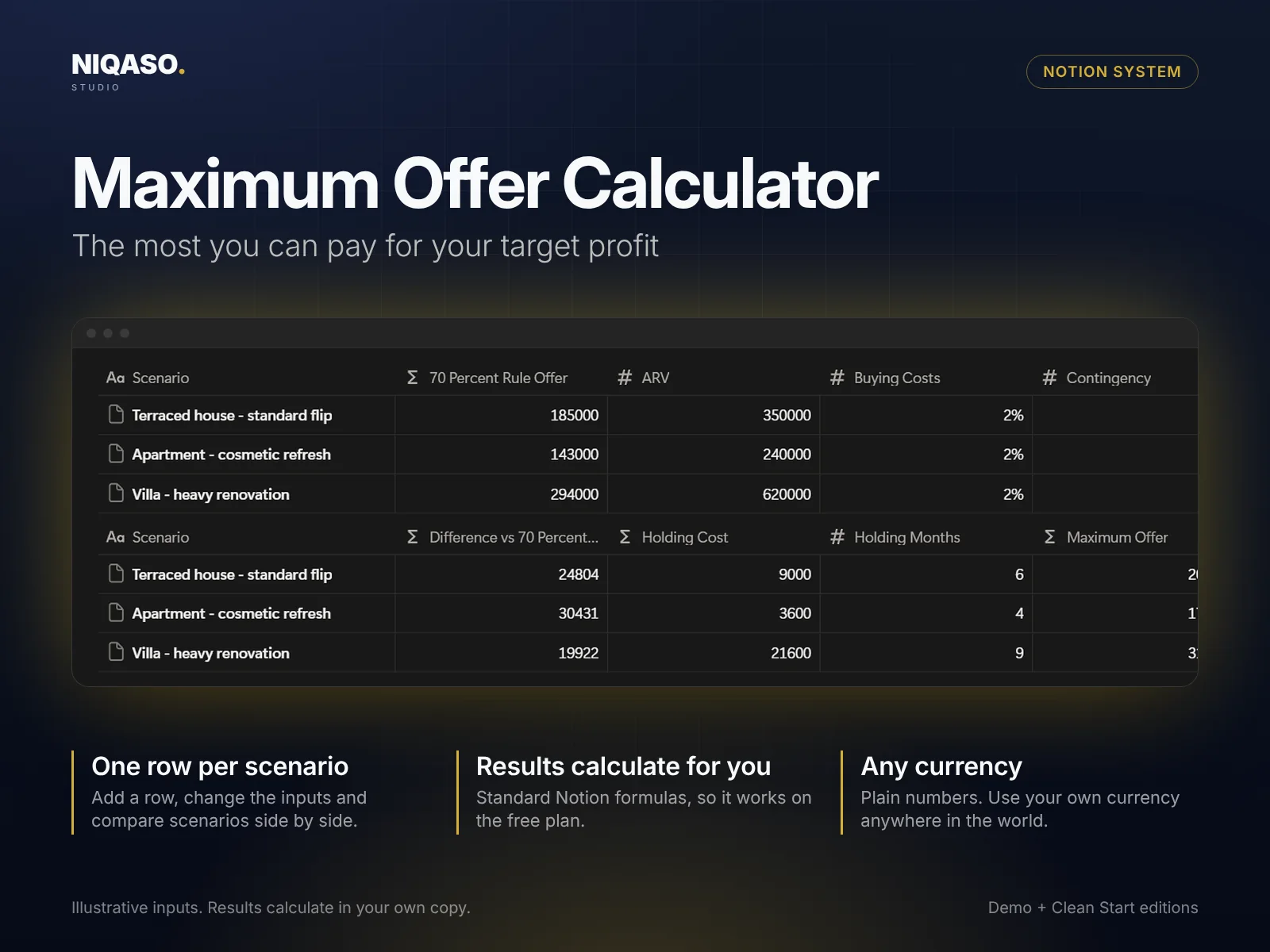
The most you can pay for your target profit
Test a decision before you make it. Fill in the inputs in one row and the result calculates beside them. Add one row per scenario and compare them side by side. It is built with standard Notion formulas, so it works on the free plan.
Know the next step, say it in five languages
Nine step-by-step guides with checklists (deal screening and maximum offer, budget setup, choosing contractors, schedule and more) tell you what to do next. A message library gives you ready-to-send texts in English, German, French, Spanish and Italian. Copy, replace the bracketed fields, send.
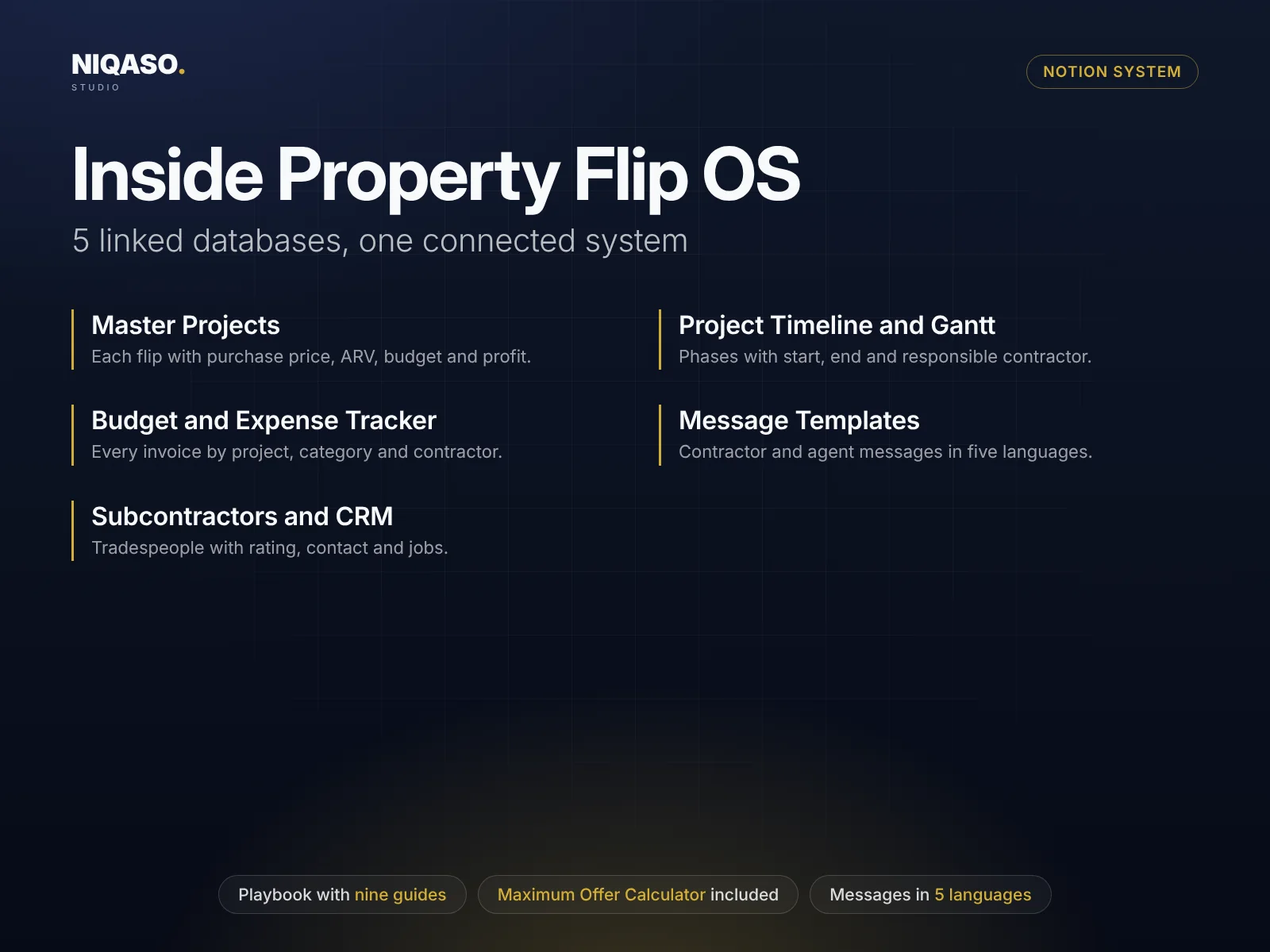
Master Projects
Each flip with purchase price, ARV, budget and profit.
Budget and Expense Tracker
Every invoice by project, category and contractor.
Subcontractors and CRM
Tradespeople with rating, contact and jobs.
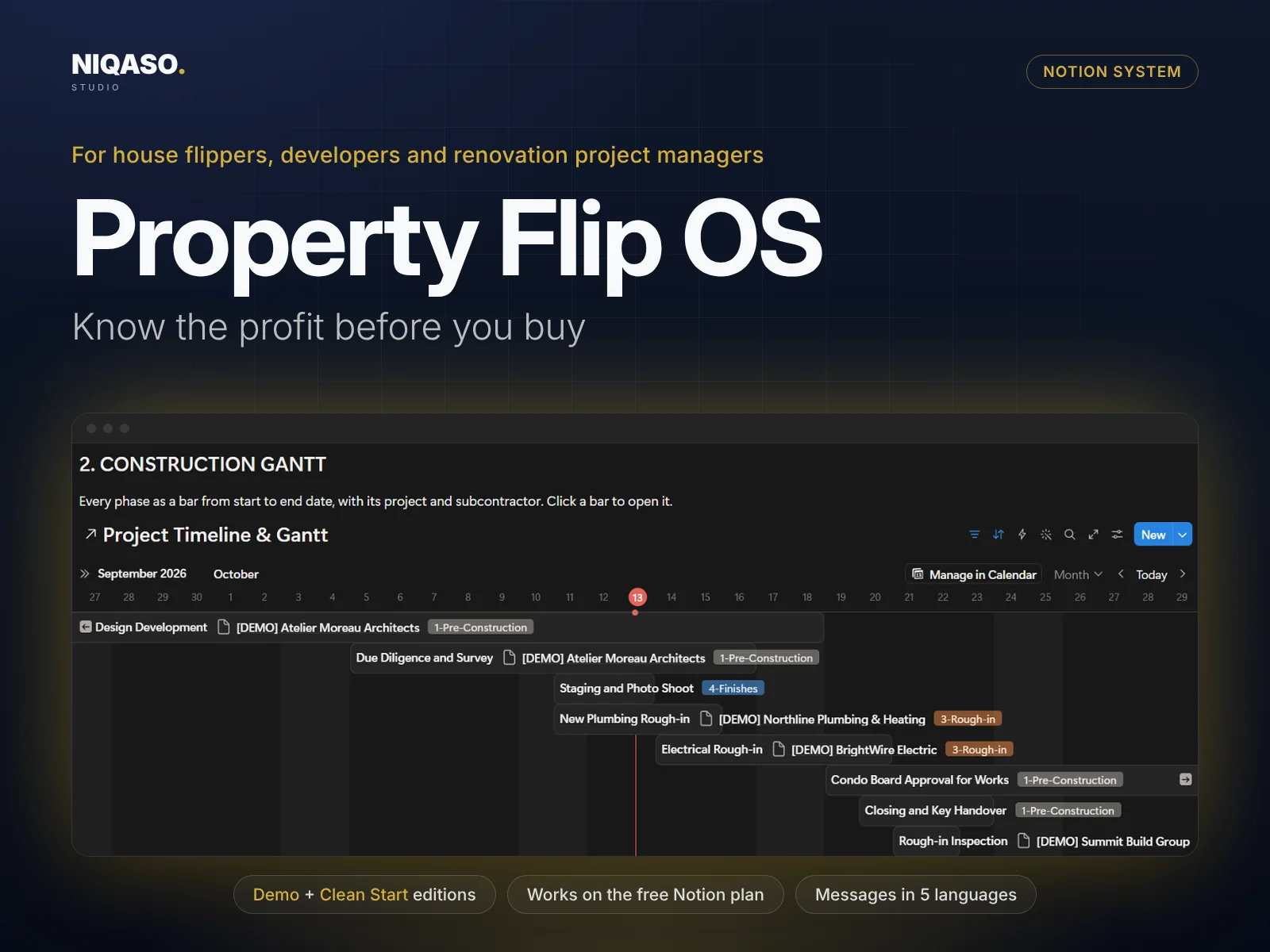
Project Timeline and Gantt
Phases with start, end and responsible contractor.
Message Templates
Contractor and agent messages in five languages.
In practice
One payment, no subscription. Everything above, in the Notion workspace you already use.
Digital delivery after payment · One-time payment · No subscription
Secure checkout by Lemon Squeezy
Need several systems? The bundle of all six is $149. See the bundle
A rule of thumb: pay no more than 70 percent of the after-repair value minus repair costs. The calculator shows it next to your own maximum offer so you can compare.
Yes. Each flip is a row in Master Projects. All invoices and phases link to their project.
No. It is a planning and tracking tool. All figures come from your own inputs.
No. It uses only standard Notion features (databases, formulas, rollups and views) and runs on the free plan. It needs no paid plan, automations, AI add-ons or integrations.
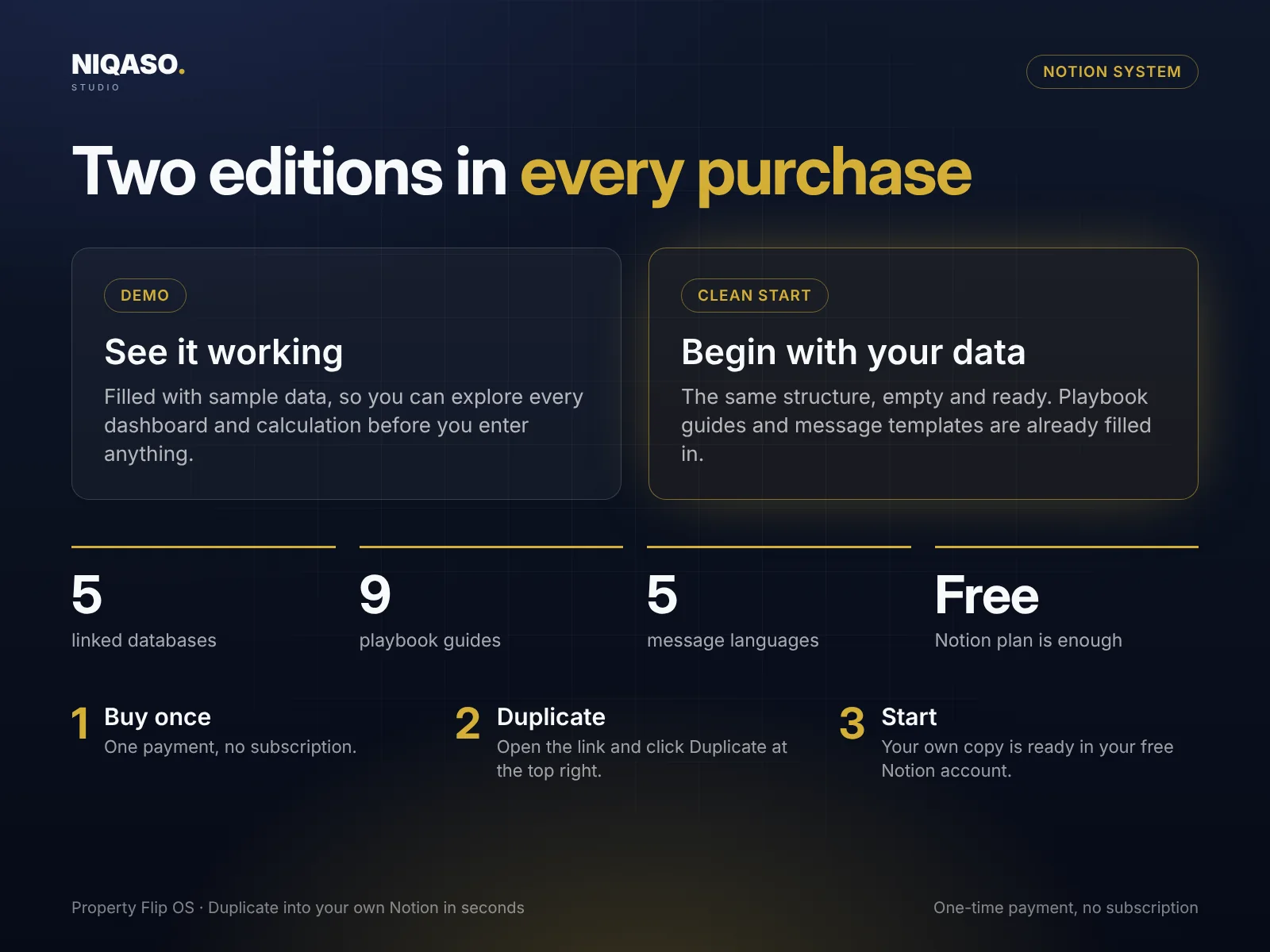
Right after payment you can download a short PDF with two links, one for the Clean Start edition and one for the Demo. Open a link, click Duplicate at the top right of the Notion page, and the system is in your own free workspace in seconds. You get both editions: a Demo filled with sample data and an empty Clean Start for your own records.
Checkout is handled by Lemon Squeezy, our payment partner and merchant of record. It shows the final price and any taxes before you pay, and you get a receipt by e-mail. We never see your card details.
None. Amounts are plain numbers, so use your own currency anywhere in the world. Message templates come in English, German, French, Spanish and Italian.